Written for dealers. This post shares our view as an independent multi-carrier retailer. Looking for help with your own phone? Visit our help center.
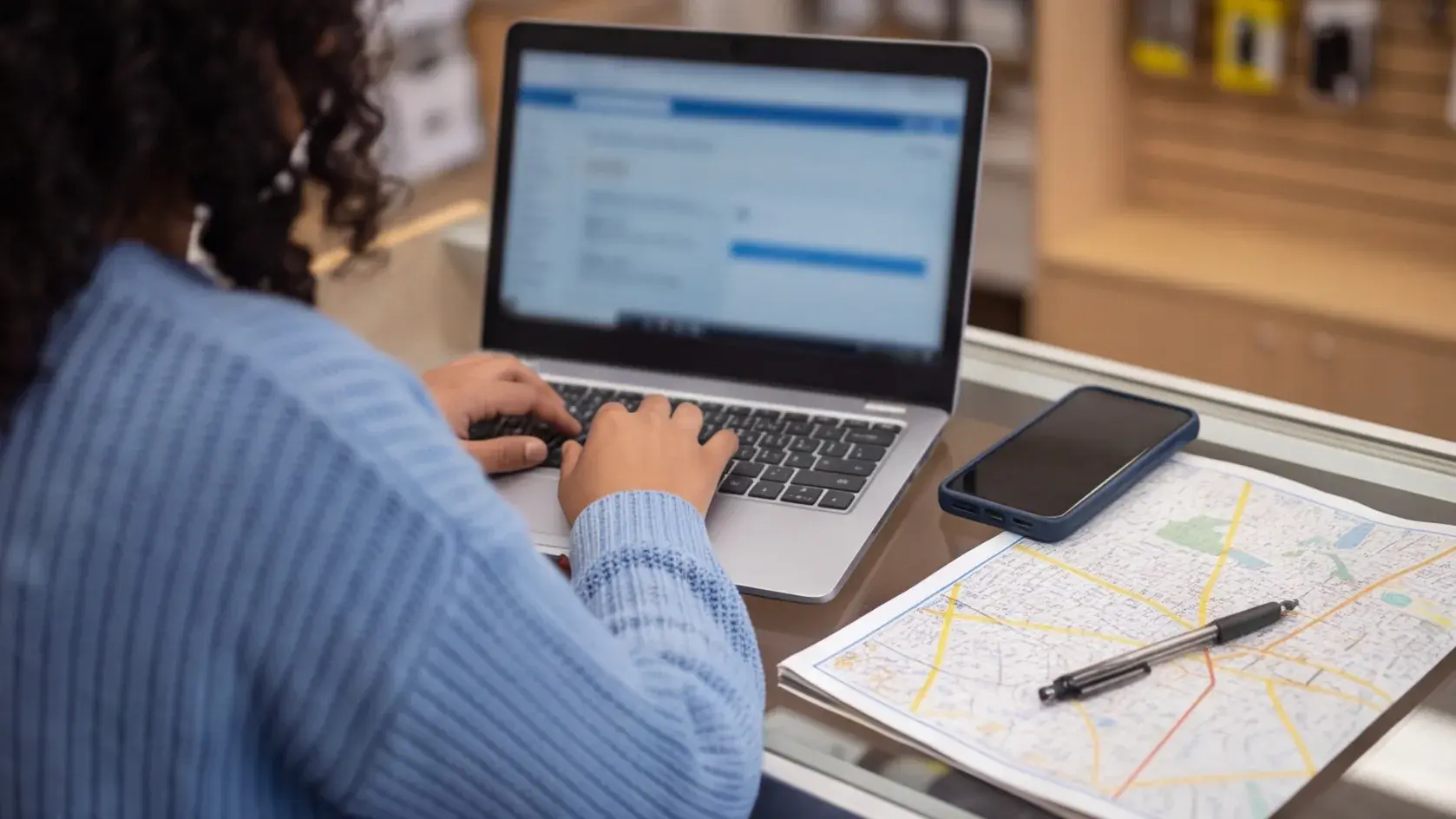
So Simple Mobile (TFDAP portal) has decided to remove the ZIP code from the customer’s account information, which only annoys the dealer trying to port the customer out to another carrier.
I take it that it’s a way to slow the bleed they are probably experiencing from customers (and dealers) porting numbers out to other carriers.
If a customer is going to port out, they’re going to port out, so why frustrate both the dealer and the customer?
A way to get the ZIP code (not guaranteed) is to log in or create an account for the customer on the simplemobile.com website. Once that’s created, go to MANAGE PROFILE and you’ll see a ZIP code there. If the customer didn’t update it (most likely they haven’t), then that ZIP code should work (as it has so far for us). But if the customer did update it to their current address, you might have to take a few guesses or call CS / DS at Simple Mobile (good luck with that!).
The reason their home address ZIP code might not work if they updated it is that Simple Mobile is looking for the activation ZIP code to approve the port-out.
Well, I hope this little info helped.